
.svg)


.webp)
Every day, releases arrive at streaming platforms with beautiful audio and broken metadata. The result is always the same: delayed releases, misdirected royalties, and frustrated artists wondering where their streams went.
The good news? Almost all of these problems are preventable. It starts with understanding two small but powerful pieces of metadata: the UPC and the ISRC.
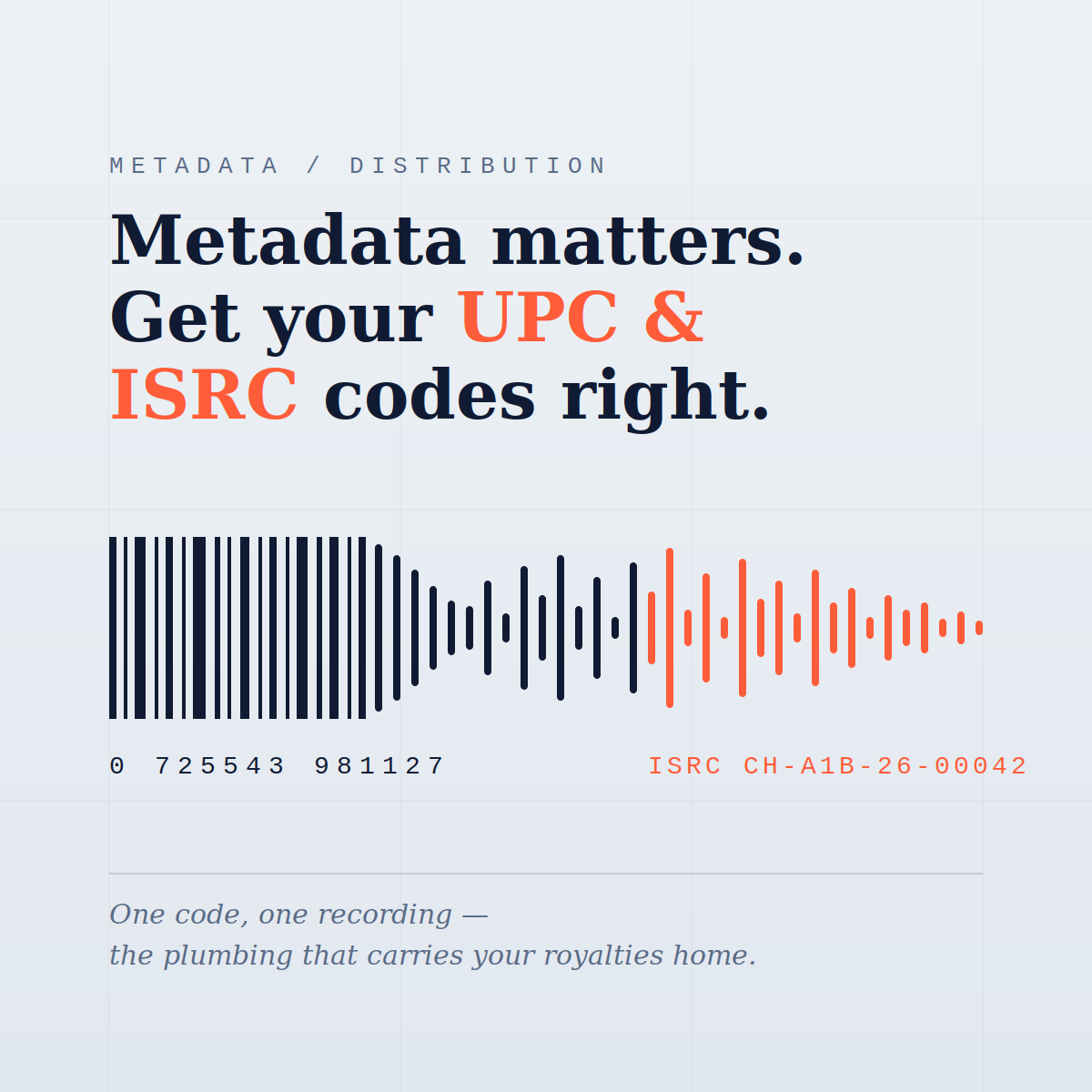
UPC - Universal Product Code. This is the identifier for your release as a whole: the single, EP, or album. It works like a barcode in a physical store. Every store, streaming service, and sales report uses the UPC to recognize your release as one product.
ISRC - International Standard Recording Code. This is the identifier for each individual recording. A three-track EP has one UPC and three ISRCs. The ISRC follows a recording for its entire life: it's what links your streams, downloads, and radio plays back to you so royalties land in the right place.
One easy way to remember the difference: the UPC identifies the product, the ISRC identifies the recording.
Digital service providers process millions of tracks. They don't identify your music by listening to it - they identify it by its codes. When those codes are accurate and unique, everything works invisibly in the background. When they're not:
Royalties go missing. Collection societies, streaming platforms, and publishing administrators all match payments to ISRCs. A wrong or duplicated code means your money may flow to the wrong recording — or nowhere at all.
Your catalog gets fragmented. If the same track carries different ISRCs across platforms, your streams are split between multiple "versions." That hurts chart eligibility, playlist performance, and your overall numbers.
Your release can be blocked. Platforms and distributors run automated checks for duplicate and conflicting codes. A conflict can delay your release date or trigger a takedown after the fact.
Many artists moving catalog from another distributor, or working with a label, will enter existing codes manually. That's completely fine — as long as you follow a few non-negotiable rules:
If this is a brand-new release and you've never been issued codes, don't guess, borrow, or recycle codes from an old release. Simply leave the fields blank -our system will automatically assign unique UPC and ISRC codes to your new project. Auto-generated codes are registered correctly and guaranteed unique - it's the safest path for most independent artists.
Your metadata does its work long after release day: matching every stream to your account, every payment to your balance, and every version of your song to its rightful place in your catalog. Treat it with the same care you give your mix and your artwork.
Five careful minutes at upload can save months of royalty disputes later. Check your codes - then hit submit with confidence.
Questions about your codes, a catalog transfer, or a specific release? Reach out to our support team — we're here to help before problems happen, not after.
.webp)
.webp)

